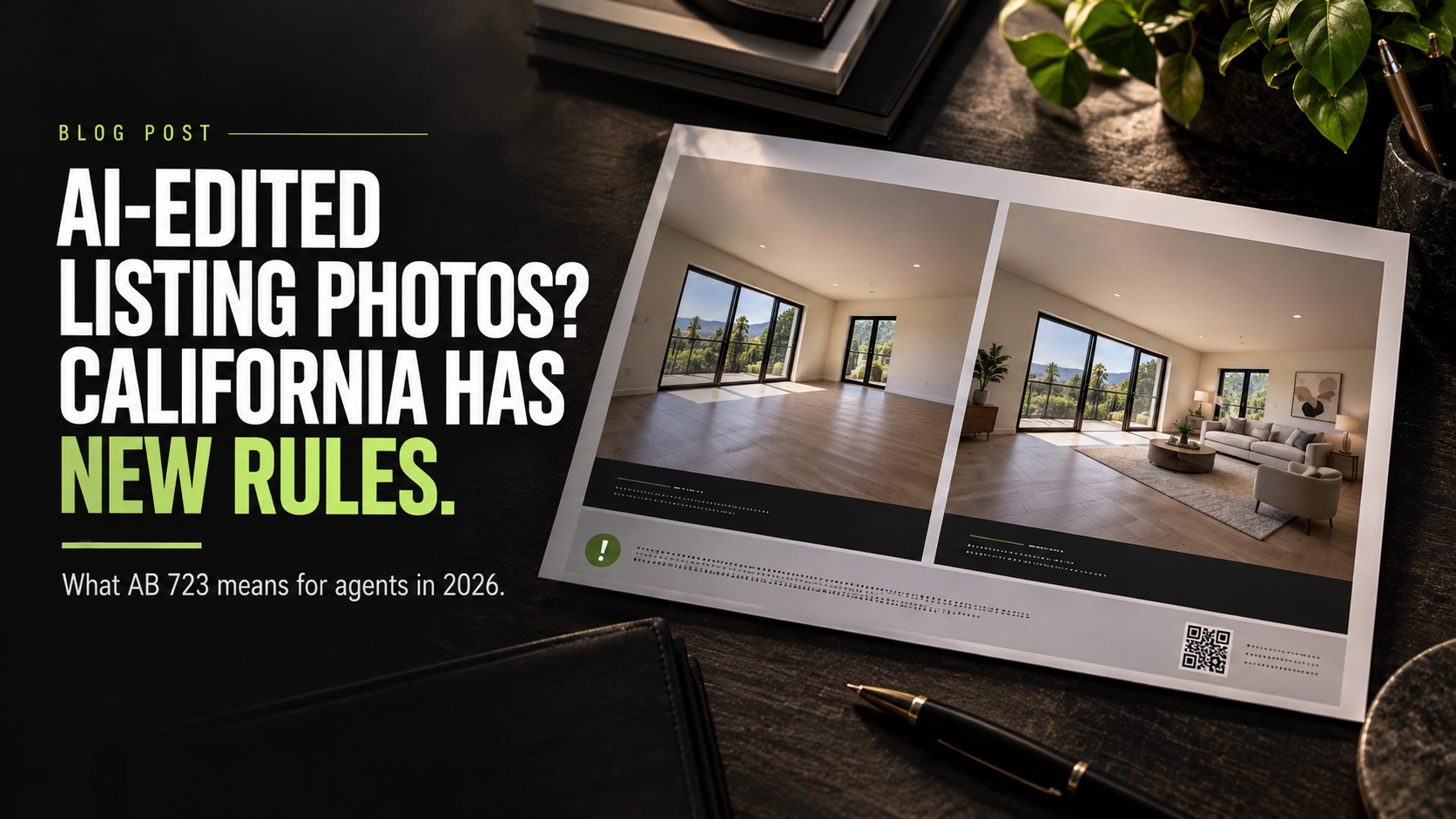
Virtual staging can help a buyer understand an empty room. A clean photo edit can help a listing look its best. But once an image changes what the property actually looks like, California agents now have a new disclosure workflow to follow.
California Assembly Bill 723 took effect January 1, 2026 and added section 10140.8 to the Business and Professions Code. The law applies when a real estate broker, salesperson, or someone acting on their behalf uses a digitally altered image in advertising or promotional material for the sale of real property.
The big idea is straightforward: disclose the alteration clearly and give the public an easy way to see the original image.
The production details are where things get complicated. The same photo may appear in the MLS, on a property website, in a flyer, on a postcard, in an email, and across social media. A disclosure that works in one format may disappear, become unreadable, or lose its link when the image moves to another.
Here is what California agents and their marketing teams need to know.
> Important: This article provides general information, not legal advice. Requirements can change and MLS rules may be more restrictive than state law. Confirm your workflow and disclosure language with your responsible broker, MLS, and legal counsel.
The short version
When a covered listing image has been digitally altered, California law requires:
- A reasonably conspicuous statement disclosing that the image was altered
- The statement to appear on or adjacent to the altered image
- A publicly accessible website, URL, or QR code where the original, unaltered image is included and clearly identified
- Language explaining that the original image can be accessed through that website, URL, or QR code
- On a website the agent or broker controls, the original image must be included in the posting or made available through a public link
The law is not limited to generative AI. Traditional photo-editing software counts too when it adds, removes, or changes elements that affect the property's representation.
What counts as a digitally altered image?
Section 10140.8 defines the term broadly. A covered edit can include adding, removing, or changing:
- Furniture, appliances, or fixtures
- Flooring, walls, or paint color
- Hardscape, landscaping, or the building facade
- Floor plans
- Streetlights or utility poles
- Views through windows
- Neighboring properties
- Other visible elements in or around the property
That means virtual staging is covered when furniture is added to an empty room. So is digitally replacing a worn floor, changing a wall color, greening a lawn, removing a utility pole, or improving the view outside a window.
The law excludes common photo adjustments when they do not change the representation of the real property. It specifically identifies lighting, sharpening, white balance, color correction, angle, straightening, cropping, and exposure as examples.
The distinction matters. Correcting a color cast so the existing wall is represented accurately is not the same as digitally repainting that wall. Brightening a naturally dark image is not the same as removing an object from the yard.
When the edit crosses from presenting the property clearly into changing what the viewer believes is there, treat it as a compliance decision—not just a retouching decision.
What must the disclosure include?
The law does not prescribe one exact sentence. It does require the disclosure to do more than say “edited.” It must:
- State that the image has been altered.
- Be reasonably conspicuous.
- Appear on or adjacent to the image.
- Explain that the original image is available through the accompanying public website, URL, or QR code.
A QR code by itself is not the complete disclosure. The nearby language still needs to tell the viewer that the image was altered and that the original can be viewed through the code or link.
An example for layout planning might read:
> THIS IMAGE HAS BEEN DIGITALLY ALTERED. View the original, unaltered image at [short URL] or scan the QR code.
That is an example, not state-issued wording. Use language approved by your broker or legal counsel.
CRMLS has an additional workflow
State law is only one layer. MLS organizations can impose their own rules.
For CRMLS subscribers, Rule 11.5.2 guidance says an altered image submitted to the MLS must be labeled in the photo-description field with an accurate term such as “Photo Modified,” “Virtually Staged,” “Digitally Altered,” or “AI Altered.” The original must also appear immediately before or after the altered version in the listing.
CRMLS also says subscribers may not alter real property elements or outside elements visible from the property unless the property will be improved to match the altered image by closing as part of the listed price. Its rule treats virtual changes to furniture or appliances differently from changing walls, flooring, landscaping, windows, views, or other physical property elements.
In other words, disclosure does not automatically make every edit acceptable in the MLS.
The safest practical approach is to maintain two checklists:
- One for the rules of the MLS where the listing is entered
- One for every advertisement and promotional piece where the altered image is reused
Including the original next to the staged photo in the MLS does not automatically solve the disclosure on a postcard, flyer, social graphic, or property website.
The disclosure needs to travel with the image
The most common workflow mistake is treating the MLS as the only destination. A listing photograph rarely stays in one place.
Property flyers and brochures
Place the disclosure on or directly adjacent to the altered photo. Proof it at the final printed size. A sentence that looks obvious on a large monitor may become unreadable on an 8.5-by-11-inch flyer or inside a multi-page brochure.
Include both a tested QR code and a short, readable URL when space allows. The URL gives the buyer a second route if the camera will not scan the code.
AG Designs can coordinate the image hierarchy and disclosure area inside property flyers and listing brochures without turning the piece into fine-print clutter.
Postcards and direct mail
A 6-by-9-inch postcard leaves less room for corrections after the design is built. Reserve space for the disclosure before the headline, address, agent information, and call to action are locked.
Do not assume tiny copy on the reverse side will be “close enough” to a full-bleed altered photo on the front. The statute calls for a reasonably conspicuous statement on or adjacent to the image. Have the final layout reviewed before printing and test every QR code from a physical proof.
If the image will also appear in a Just Listed or open-house mailing, build the requirement into the real estate postcard and EDDM template once, then preserve it through every version.
Property websites
If the agent, broker, or someone acting on their behalf controls the website, the law requires the original image to be included in the posting or made available through a public link.
The original-image destination should not require a login. It should identify which original belongs to which altered image and remain live while the altered advertising is in use. A temporary proofing link that expires halfway through the campaign is not a durable solution.
Social media and email
An image exported for social media can easily lose the disclosure block that appeared beside it on a website. A photo pulled from a flyer may be cropped again for a vertical story. An email platform may strip or redirect a link.
Create platform-ready versions with the disclosure intact. Check the mobile view, keep the original-image destination public, and verify the link after the post or email is live.
MLS
Follow the current rules of the MLS receiving the listing. If you use CRMLS, pair the original and altered images in the required order and label the altered image in the designated text field. Do not assume another MLS uses the same procedure.
A practical eight-step production workflow
The easiest time to solve this is before the designer begins placing photos.
1. Preserve the source image
Keep the original image supplied before material alterations. Do not flatten the original and staged versions into one ambiguous filename.
2. Name every version clearly
Use a repeatable system such as `living-room-01-original` and `living-room-01-virtually-staged`. The public page and the internal production folder should use the same pairing logic.
3. Record what changed
Keep a short edit note: furniture added, television removed, wall color unchanged, view unchanged. This makes the review faster and reduces confusion when five versions of the same room are circulating.
4. Review the alteration before distribution
Ask whether the edit adds, removes, or changes something a buyer could believe is part of the property or its surroundings. Then check the current MLS rule and the broker's policy.
5. Build a stable original-image page
Publish clearly labeled originals at a public URL that does not require a password. Match each altered image to its original and keep the page available for the life of the campaign.
6. Use a reusable disclosure block
Create a broker-approved block containing the disclosure, short URL, and QR code. Size and position it separately for the MLS workflow, website, flyer, brochure, postcard, email, and social format.
7. Proof at production size
Print the piece at actual size. Read the disclosure without zooming. Scan the QR code with more than one phone. Type the short URL. Confirm that the destination opens directly to the correct originals.
8. Archive the campaign
Keep the original images, altered images, approved disclosure language, final artwork, public URL, and approval record together. The file trail matters if a question appears after the campaign has ended.
AI-written marketing still needs human review
The image rule is not the only 2026 concern. In its March 17 advisory on AI in California real estate, the Department of Real Estate says licensees must independently verify AI-generated marketing claims, including statements about property features, pricing, availability, and potential uses.
The DRE's position is direct: responsibility for inaccurate or misleading consumer communication remains with the licensee and responsible broker, not the AI provider.
Use AI to assist the workflow if it helps. Do not let it become the final proofreader.
Frequently asked questions
Does virtual staging count as digital alteration?
Yes. Adding, removing, or changing furniture or appliances falls within the state law's definition. The altered image needs the required disclosure and a public path to the original. Your MLS may add its own placement and labeling rules.
Do brightness and color correction require disclosure?
Not when they are common photo adjustments that do not change the property's representation. Changing the actual color or appearance of an element is different from accurately correcting how the camera captured it.
Can I remove a power line, neighboring building, or object outside a window?
Those types of visible outside elements are expressly included in the state law's definition of a digitally altered image. CRMLS rules may prohibit the change in an MLS listing even with a disclosure. Check before publishing.
Is a QR code enough?
No. The statute requires a statement disclosing the alteration, and that statement must indicate that the original can be accessed through the linked website, URL, or QR code.
Does the disclosure have to be embedded in the image?
The law says the statement must be on or adjacent to the image and reasonably conspicuous. Your broker, counsel, or MLS can help determine how that standard applies to a specific format.
Does my photographer or designer handle this automatically?
Do not assume so. The law applies to brokers, salespersons, and people acting on their behalf, while the DRE emphasizes that the licensee and responsible broker retain responsibility for advertising accuracy. Give every vendor the broker-approved workflow before production begins.
Good marketing makes the comparison easy
This rule is not a reason to abandon virtual staging. It is a reason to organize it.
A staged image can help buyers understand scale and possibility. The original gives them the reality check. When both are easy to find—and every marketing piece explains the difference—the presentation becomes more useful and more trustworthy.
AG Designs brings real estate photography, design, printing, direct mail, and listing-campaign production together in one Costa Mesa studio. If your next listing uses virtually staged or materially altered photos, we can help coordinate the original and altered files, reserve space for your broker-approved disclosure, build the public-link and QR-code elements into the design, and keep the workflow consistent across your flyers, postcards, and digital assets.
Contact AG Designs to plan the production workflow for your next listing.
*AG Designs does not provide legal advice or determine whether a particular image or disclosure complies with law, MLS rules, or brokerage policy. Obtain approval from your responsible broker and legal counsel as appropriate.*